Best Tablets (September 2026)
From Apple's entry iPad to Samsung's big-screen Android option and Microsoft's laptop-replacing Surface Pro, here's how to pick the right tablet for the job.
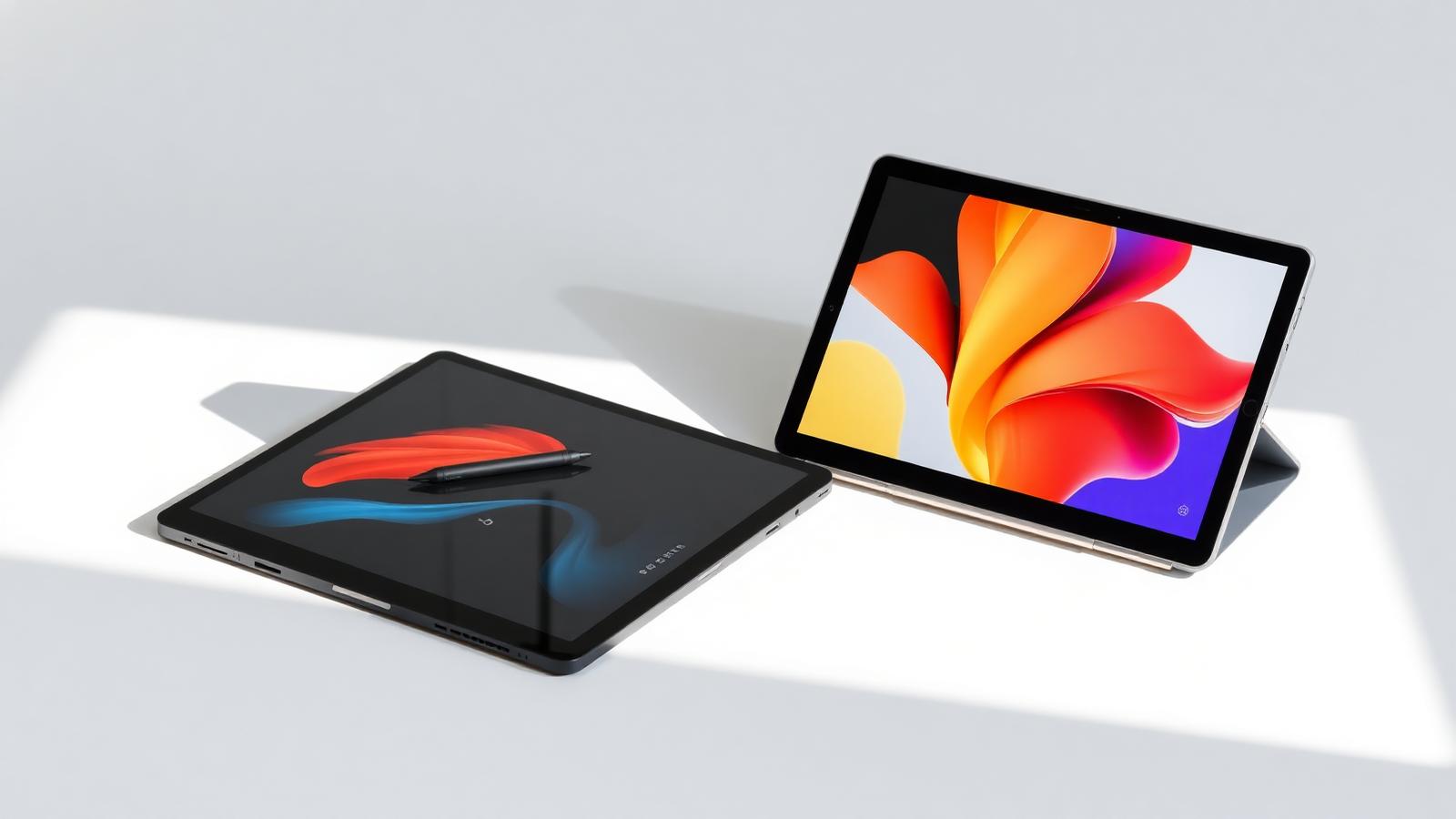
Tablets split into three real categories now: iPadOS, Android, and Windows. Each one is built around a different use case, and the right pick depends less on specs and more on what you actually want the tablet to replace. Prices below are official starting prices from each manufacturer, checked 28 Aug 2026.
Best for most people: Apple iPad (11th generation)
From $349 at Apple.com (128GB, Wi-Fi)
The base iPad remains the easiest recommendation for reading, browsing, note-taking, and streaming. It runs on Apple's A16 chip with 6GB of RAM, has an 11-inch Liquid Retina display, and gets years of reliable software updates, which matters more for a tablet's long-term usefulness than raw specs. It doesn't support the newer Apple Pencil Pro, so check pencil compatibility if stylus input matters to you. This is the pick for anyone who mainly wants a tablet for consuming content and light productivity, not replacing a laptop.
Best Android option: Samsung Galaxy Tab S10 FE
From $499.99 at Samsung.com (128GB, Wi-Fi)
Samsung's Fan Edition line trades the flagship Tab S10 Ultra's price for a still-solid 10.9-inch display, 8GB of RAM, and an included S Pen stylus. It supports Samsung DeX, a desktop-like mode that turns the tablet interface into something closer to a laptop when you connect a keyboard, which is genuinely useful for anyone who wants more productivity out of an Android tablet than a phone-style interface offers. A larger 13.1-inch Tab S10 FE+ is also available starting around $649.99 for anyone who wants more screen real estate.
Best for replacing a laptop: Microsoft Surface Pro (11th generation)
From $999 at Microsoft.com (Snapdragon X Plus, 16GB RAM, 256GB SSD; keyboard sold separately)
The Surface Pro runs full Windows 11, not a mobile operating system, which means it can genuinely replace a laptop for office work, browsing, and most desktop software, not just tablet-style apps. The 13-inch PixelSense display runs at 120Hz, and battery life is rated up to 14 hours of video playback. The catch is price: the keyboard and Surface Pen are sold separately and typically add $150 to $250 to the total cost, so budget for that before comparing this price directly against an iPad or Galaxy Tab.
How to choose between these
If you mainly want to browse, read, watch video, and jot occasional notes, an iPad or Android tablet covers that at a lower price than a Windows tablet. If you need a tablet that runs the same desktop software as your laptop, meaning full Excel, specific Windows-only programs, or multi-window multitasking, the Surface Pro is the only one of these three that actually does that, and its price should be compared including the keyboard, not just the device.
“The right pick depends less on specs and more on what you actually want the tablet to replace.”
Keep reading
More in Buying Guides
Buying Guides
Best Gaming Laptops Under $1,000 (September 2026)
Five gaming laptops that run modern titles at 1080p without crossing the four-figure line, ranked by what actually matters in games.
Sara Judy
Buying Guides
Best Laptops Under $600 for Students (September 2026)
Six laptops that handle real coursework, from note-taking to spreadsheets, without breaking a student budget.
Sam Clark
Buying Guides
Best 2-in-1 Laptops (September 2026)
Three convertible laptops across three price points, from a $499 Chromebook to an $800 OLED convertible with real multitasking power.
Sara Judy