Best 2-in-1 Laptops (September 2026)
Three convertible laptops across three price points, from a $499 Chromebook to an $800 OLED convertible with real multitasking power.
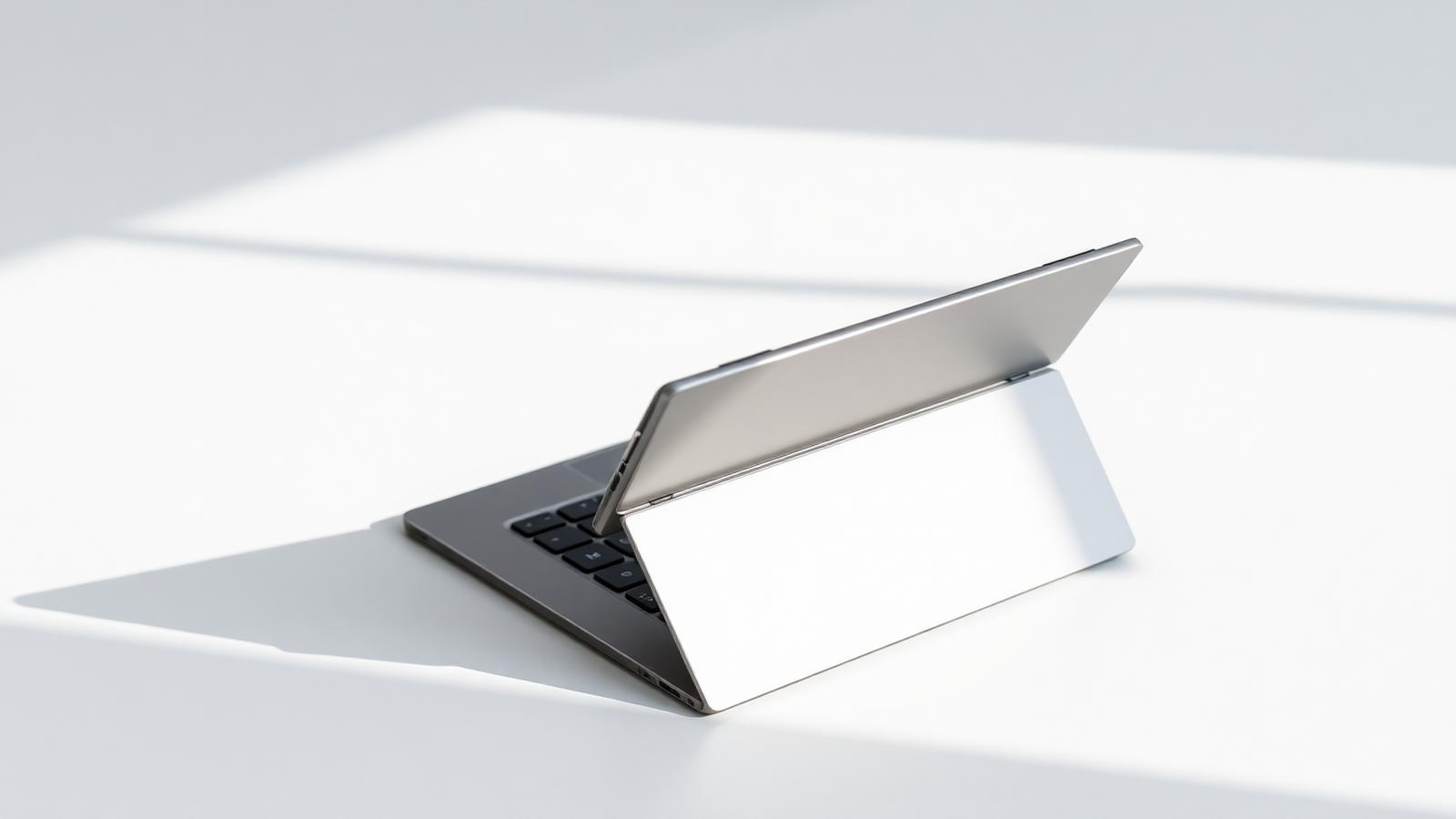
A 2-in-1 laptop folds flat into a tablet or props up into tent mode, on top of working as a regular laptop. That flexibility is genuinely useful for note-taking with a stylus, watching video in a cramped space, or reading, but it's worth knowing upfront that most 2-in-1s use soldered, non-upgradeable RAM, so the configuration you buy is generally the configuration you're stuck with.
Prices below were checked at listed retailers on the dates noted. Prices change often, so confirm the current price before you buy.
Best budget pick: HP Chromebook Plus x360 14"
Around $499 at Best Buy, down from $699
This convertible pairs an Intel Core i3 with 8GB of RAM and 256GB of storage, and runs Chrome OS rather than Windows. If your work is mostly browser-based, that's a reasonable trade for the price. It has an aluminum build and a touchscreen, which is unusual at this price point for a 2-in-1. As with any Chromebook, it won't run Windows-only desktop software, so check that your coursework or work apps run in a browser or as Android apps before buying.
Best mid-range pick: Lenovo IdeaPad Flex 5i 14"
$549.99 at Best Buy (checked 25 Mar 2026, may have changed)
This is a full Windows convertible with an Intel Core i5-1235U, 8GB of RAM, and a 512GB SSD, so it runs the full range of Windows desktop software rather than being limited to browser or Android apps. The 14-inch FHD+ IPS touchscreen is a step up in resolution from most budget laptops. Note that RAM here is also soldered, and 8GB is workable for everyday use but will feel tight if you regularly run several demanding programs at once.
Best overall: Lenovo Yoga 7i 2-in-1 14" OLED
$799.99 at Best Buy (checked 28 Aug 2026), down from $1,299.99
The step up to a Core Ultra 5 processor and 16GB of RAM buys real multitasking headroom over the two picks above, and the 14-inch OLED display with Dolby Vision is genuinely one of the better screens available under $800. It's the pick for anyone who wants a convertible that won't feel limiting a year or two in. The trade-off is price: it costs 60% more than the budget option here.
How to choose between these
Chrome OS convertibles like the HP are the cheapest way into the 2-in-1 form factor, but only make sense if your work fits inside a browser. Windows convertibles cost more but run the full range of desktop software, which matters for anyone using specialized programs for a major or job. RAM is the spec to prioritize on any 2-in-1, since you can't upgrade it later: 8GB is fine for browsing and office work one at a time, 16GB holds up much better if you multitask heavily or want the laptop to still feel fast in two or three years.
“Most 2-in-1s use soldered, non-upgradeable RAM, so the configuration you buy is generally the configuration you're stuck with.”
Keep reading
More in Buying Guides
Buying Guides
Best Gaming Laptops Under $1,000 (September 2026)
Five gaming laptops that run modern titles at 1080p without crossing the four-figure line, ranked by what actually matters in games.
Sara Judy
Buying Guides
Best Laptops Under $600 for Students (September 2026)
Six laptops that handle real coursework, from note-taking to spreadsheets, without breaking a student budget.
Sam Clark
Buying Guides
Best Tablets (September 2026)
From Apple's entry iPad to Samsung's big-screen Android option and Microsoft's laptop-replacing Surface Pro, here's how to pick the right tablet for the job.
Peter Smith